Tracking down where disk space has gone on Linux?
-
Try ncdu, an excellent command-line disk usage analyser:
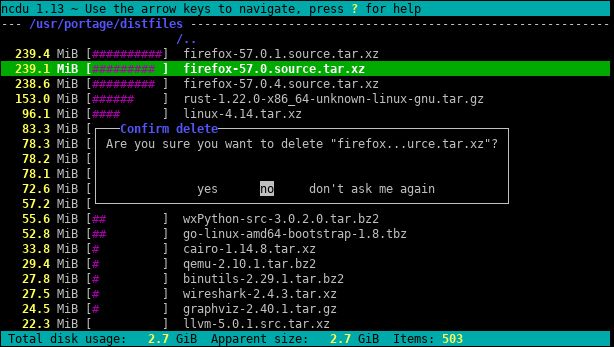
sudo apt install ncduYou quite probably know which filesystem is short of space. In which case you can use
ncdu -xto only count files and directories on the same filesystem as the directory being scanned.– Luke Cousins Jul 21, 2017 at 11:51best answer. also:
sudo ncdu -rx /should give a clean read on biggest dirs/files ONLY on root area drive. (-r= read-only,-x= stay on same filesystem (meaning: do not traverse other filesystem mounts) )– B. Shea Sep 21, 2017 at 15:52I personally would use something like this:
sudo ncdu --confirm-delete -rx / --exclude /mnt. This allows you to pushdon files to delete them. It also won’t scan any files that you have in/mnt.
